







You do not need Bluetooth to keep a treadmill session you can repeat.
Write down time, speed, and incline, or log the same numbers in an app's Manual mode and set the pace yourself. The session still counts. The machine does not have to talk to your phone.
This guide covers a simple paper log, what Manual mode actually does (and does not do), and when it is worth hunting for a Bluetooth FTMS connection instead. It is not a compatibility guarantee for any brand or model, and it is not medical advice.
Why "no Bluetooth" is more common than the marketing suggests
Many consoles show a Bluetooth icon that only covers speakers, a heart-rate strap, or the manufacturer's own app. That is not the same thing as an app reading your speed or incline. The standard many third-party apps look for is FTMS (Fitness Machine Service). If the manual never mentions FTMS, assume you will be logging the session yourself until you prove otherwise. The FTMS treadmill compatibility list explains how to check.
Walking pads are the same story, with one extra limit: many cannot raise a meaningful incline and some cap speed around a brisk walk. You can still record a repeatable session. You just record the numbers the pad actually offers.
The notebook method (enough for most people)
After each session, write down:
- Date
- Total time
- Speed (and any changes)
- Incline, if the machine has it
- One word for how it felt (easy / steady / too hard)
That is enough to repeat Japanese interval walking, a 4-4-40, or a beginner walk next week without guessing. You do not need an app for this.
If you already use a training log, a notes app, or a health app's manual indoor walk entry, those work the same way. The useful part is a record you can compare, not a wireless link.
What Manual mode is for
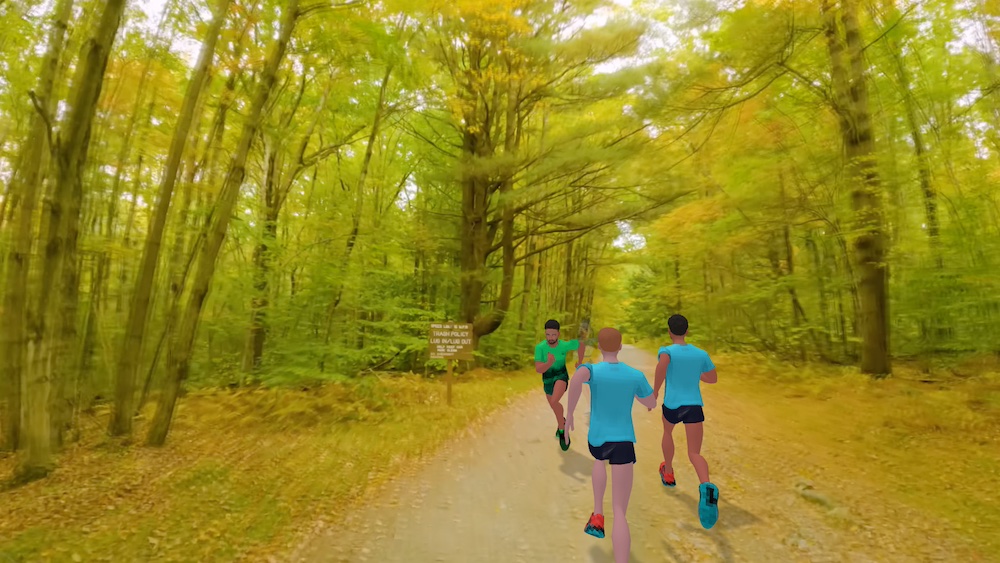
Manual mode is for machines that will not pair, pair unreliably, or only offer Bluetooth for audio. You still control speed and incline on the treadmill console. The phone keeps the timer, the workout structure, and—if you want it—a scenic route so you are not staring at a blank wall.
In Treadmill Buddy, Manual mode lets you run a scenic or AR-style route while you change the console yourself. On a compatible FTMS treadmill, the app can follow live speed (and sometimes incline). Compatibility varies by machine; a successful pairing in one app does not guarantee full control in another.
Honesty matters here: in Manual mode, app speed and distance are simulated from the workout targets, not measured from the belt. If you change the console and the phone target is different, believe the treadmill's time and the speed you actually set. After the session, you can still keep the time, speed, and incline in your log.
Other apps use a similar idea under different names. Some coaching apps offer a manual treadmill mode that displays target paces while you adjust the deck. Some loggers let you type the console numbers, or photograph the display, with no pairing at all. Those are reasonable options if all you need is a history in Apple Health or a similar store. They are not a reason to skip a repeatable session today while you shop for a "smarter" machine.
A simple Manual mode session
- Clip the safety key if the treadmill has one, and know where Stop is.
- Warm up for 3–5 minutes at an easy walk. The first minutes often feel harder than they should; that is usually a cold start, not a cue to jump to workout pace.
- Open the app, choose Manual mode if you are not connecting, and pick the session or route you want.
- Set speed and incline on the console to match the plan. Change them yourself at each interval.
- When you finish, cool down, then write the numbers down—or rely on the in-app log plus the console time.
If the session is a long steady walk, it can help to split it mentally into 10-minute blocks and check your form at each one. The clock is the same; the wait is not. That idea is already built into the 4-4-40 incline walk.
When a Bluetooth connection is worth the extra step
Manual mode is not a downgrade you have to apologize for. It is the reliable path on most gym decks and many home walking pads.
A real FTMS link is worth trying when you want the app to display live belt speed, automatically time intervals off the machine, or—on some models—change speed or incline for you. Start with the manual, then test in an FTMS-aware app. If pairing fails, go back to Manual mode and still finish the workout. For a deeper comparison of scenic and indoor route apps, see Best scenic and virtual treadmill route apps.
FAQ
Can I use Treadmill Buddy if my treadmill has no Bluetooth?
Yes. Use Manual mode, set pace on the console, and keep a scenic route or timer on the phone if you want one. The app will not be reading the belt.
Is a handwritten log as useful as an app?
For repeating a workout, yes, if you record time, speed, incline, and how it felt. An app is helpful for timing intervals and giving your eyes a route. It is not required to make the session real.
Will Manual mode track my true distance?
Treat phone distance in Manual mode as an estimate from the targets you set, not as a measured belt reading. Time and the speed you actually entered on the console are the more reliable notes.
Should I buy a new treadmill just to get FTMS?
Not just for logging. If your current machine is comfortable and safe, a notebook or Manual mode is enough to build a habit. Upgrade later if you specifically want automatic control or live belt data, and confirm FTMS on the exact model first.
Try it in Treadmill Buddy
Open Treadmill Buddy, choose Manual mode if you are not connecting, and start a route or a session you already know you can finish. Download it on the App Store or Google Play. Then write down today's numbers so tomorrow's session is a repeat, not a guess.